 Русский
  Română
  Deutsch
  Français
  Türkçe
  Español
  Português
  Українська
  български
  Polski
  Indonesia
  中文 (中国)
















































































































U1
-
 1 vCores
 -
 DDR4 1.5 GB
 -
 10 GB NVMe
 -
 Shared 100 Mbps
 Open Ticket
  +373 79 600002 info@alexhost.com
  Telegram Live Chat Telegram Official
  F.A.Q
F.A.Q  English


























AMD Ryzen 9 7950X VPS with NVMe SSD, full root access, dedicated IPv4, and up to 1 Gbps. High-performance hosting for apps, databases, and game servers — deploy in minutes.


 1 vCores DDR4 1.5 GB 10 GB NVMe Shared 100 Mbps 1 vCores DDR4 1.5 GB 10 GB NVMe 100 Мбит/с 1 vCores DDR4 1.5 GB 10 Go NVMe 100 Мбит/с 1 vCores DDR4 1.5 GB 10 GB NVMe Shared 100 Mbps 1 vCores DDR4 1.5 GB 10 Go NVMe Shared 1 Gbps 1 vCores DDR4 1.5 GB 10 GB NVMe Shared 100 Mbps 1 vCores DDR4 1.5 GB 10 GB NVMe Shared 100 Mbps 1 vCores DDR4 1.5 GB 10 GB NVMe Shared 100 Mbps 1 vCores DDR4 2 GB 20 GB NVMe Shared 1 Gbps 1 vCores DDR4 2 GB 20 GB NVMe Shared 1 Gbps 2 vCores DDR4 4 GB 40 GB NVMe Shared 100 Mbps 1 vCores DDR4 1 GB 10 GB NVMe Shared 100 Mbps 2 vCores DDR4 4 GB 40 GB NVMe Shared 1 Gbps 1 vCores DDR4 1 GB 10 GB NVMe Shared 1 Gbps 2 vCores DDR4 4 GB 40 GB NVMe Shared 1 Gbps 1 vCores DDR4 1 GB 10 GB NVMe Shared 1 Gbps 2 vCores DDR4 4 GB 40 GB NVMe Shared 1 Gbps 1 vCores DDR4 1 GB 10 GB NVMe Shared 1 Gbps 2 vCores DDR4 4 GB 40 GB NVMe Shared 1 Gbps 1 vCores DDR4 1 GB 10 GB NVMe Shared 1 Gbps 2 vCores DDR4 4 GB 40 GB NVMe Shared 1 Gbps 1 vCores DDR4 1 GB 10 GB NVMe Shared 1 Gbps 2 vCores DDR4 4 GB 40 GB NVMe Shared 1 Gbps 1 vCores DDR4 1 GB 10 GB NVMe Shared 1 Gbps 2 vCores DDR4 4 GB 40 GB NVMe Shared 1 Gbps 1 vCores DDR4 1 GB 10 GB NVMe Shared 1 Gbps 2 vCores DDR4 4 GB 40 GB NVMe Shared 1 Gbps 2 vCores DDR4 4 GB 40 GB NVMe Shared 1 Gbps 2 vCores DDR5 1.5 GB 30GB NVMe Shared 1Gbps 4 vCores DDR4 8 GB 80 GB NVMe Shared 100 Mbps 4 vCores DDR4 8 GB 80 GB NVMe Shared 1 Gbps 4 vCores DDR4 8 GB 80 GB NVMe Shared 1 Gbps 4 vCores DDR4 8 GB 80 GB NVMe Shared 1 Gbps 4 vCores DDR4 8 GB 80 GB NVMe Shared 1 Gbps 4 vCores DDR4 8 GB 80 GB NVMe Shared 1 Gbps 4 vCores DDR4 8 GB 80 GB NVMe Shared 1 Gbps 4 vCores DDR4 8 GB 80 GB NVMe Shared 1 Gbps 1 vCores DDR4 1 GB 25 GB NVMe Shared 100 Mbps 1 vCores DDR4 1 GB 25 GB NVMe Shared 1 Gbps 1 vCores DDR4 1 GB 25 GB NVMe Shared 1 Gbps 1 vCores DDR4 1 GB 25 GB NVMe Shared 1 Gbps 1 vCores DDR4 1 GB 25 GB NVMe Shared 1 Gbps 1 vCores DDR4 1 GB 25 GB NVMe Shared 1 Gbps 1 vCores DDR4 1 GB 25 GB NVMe Shared 1 Gbps 1 vCores DDR4 1 GB 25 GB NVMe Shared 1 Gbps 4 vCores DDR5 2 GB 50GB NVMe Shared 1Gbps 4 vCores DDR4 8 GB 80 GB NVMe Shared 1 Gbps 4 vCores DDR4 8 GB 80 GB NVMe Shared 1 Gbps 6 vCores DDR4 12 GB 120 GB NVMe Shared 1 Gbps 6 vCores DDR4 12 GB 120 GB NVMe Shared 1 Gbps 2 vCores DDR4 2 GB 40 GB NVMe Shared 100 Mbps 2 vCores DDR4 2 GB 40 GB NVMe Shared 1 Gbps 2 vCores DDR4 2 GB 40 GB NVMe Shared 1 Gbps 2 vCores DDR4 2 GB 40 GB NVMe Shared 1 Gbps 2 vCores DDR4 2 GB 40 GB NVMe Shared 1 Gbps 2 vCores DDR4 2 GB 40 GB NVMe Shared 1 Gbps 2 vCores DDR4 2 GB 40 GB NVMe Shared 1 Gbps 2 vCores DDR4 2 GB 40 GB NVMe Shared 1 Gbps 4 vCores DDR5 4 GB 80GB NVMe Shared 1Gbps 4 vCores DDR4 4 GB 60 GB NVMe Shared 100 Mbps 4 vCores DDR4 4 GB 60 GB NVMe Shared 1 Gbps 4 vCores DDR4 4 GB 60 GB NVMe Shared 1 Gbps 4 vCores DDR4 4 GB 60 GB NVMe Shared 1 Gbps 4 vCores DDR4 4 GB 60 GB NVMe Shared 1 Gbps 4 vCores DDR4 4 GB 60 GB NVMe Shared 1 Gbps 4 vCores DDR4 4 GB 60 GB NVMe Shared 1 Gbps 4 vCores DDR4 4 GB 60 GB NVMe Shared 1 Gbps 8 vCores DDR4 16 GB 160 GB NVMe Shared 1 Gbps 8 vCores DDR4 16 GB 160 GB NVMe Shared 1 Gbps 6 vCores DDR5 8 GB 150GB NVMe Shared 1Gbps 6 vCores DDR4 6 GB 100 GB NVMe Shared 100 Mbps 6 vCores DDR4 6 GB 100 GB NVMe Shared 1 Gbps 6 vCores DDR4 6 GB 100 GB NVMe Shared 1 Gbps 6 vCores DDR4 6 GB 100 GB NVMe Shared 1 Gbps 6 vCores DDR4 6 GB 100 GB NVMe Shared 1 Gbps 6 vCores DDR4 6 GB 100 GB NVMe Shared 1 Gbps 6 vCores DDR4 6 GB 100 GB NVMe Shared 1 Gbps 6 vCores DDR4 6 GB 100 GB NVMe Shared 1 Gbps 12 vCores DDR4 24 GB 240 GB NVMe Shared 1 Gbps 12 vCores DDR4 24 GB 240 GB NVMe Shared 1 Gbps 8 vCores DDR4 8 GB 150 GB NVMe Shared 100 Mbps 8 vCores DDR4 8 GB 150 GB NVMe Shared 1 Gbps 8 vCores DDR4 8 GB 150 GB NVMe Shared 1 Gbps 8 vCores DDR4 8 GB 150 GB NVMe Shared 1 Gbps 8 vCores DDR4 8 GB 150 GB NVMe Shared 1 Gbps 8 vCores DDR4 8 GB 150 GB NVMe Shared 1 Gbps 8 vCores DDR4 8 GB 150 GB NVMe Shared 1 Gbps 8 vCores DDR4 8 GB 150 GB NVMe Shared 1 Gbps 8 vCores DDR5 12 GB 200GB NVMe Shared 1Gbps 16 vCores DDR4 32 GB 320 GB NVMe Shared 1 Gbps 16 vCores DDR4 32 GB 320 GB NVMe Shared 1 Gbps 10 vCores DDR5 16 GB 300GB NVMe Shared 1Gbps
 No plans in this price range.
Ryzen VPS is one of the AlexHost’s options serving as an essential tool for business projects of any complexity and scale. Besides, Power VPS and VPS Ryzen 9 are among the most cost-effective and simultaneously productive solutions. Both server types are characterized by flexibility in configuration and management, operational stability, and high data processing speeds. This comprehensive set of attractive advantages automatically makes such a service the optimal choice for enterprises and companies dealing with substantial volumes of data and demanding, resource-intensive applications.
VPS Ryzen is your chance to have a reliable virtual server at your disposal, powered by the fast and mighty AMD Ryzen 9 processor. By using this server to deploy and promote any web project, you are guaranteed to receive:
The key advantages of AMD Ryzen VPS include:
This type of server can be considered the optimal solution for business projects that will regularly face high loads and traffic. The AMD Ryzen dedicated server rental service is a true find for legal entities and private users in urgent need of a high-performance, powerful server with excellent performance and a guarantee of successfully handling any tasks.

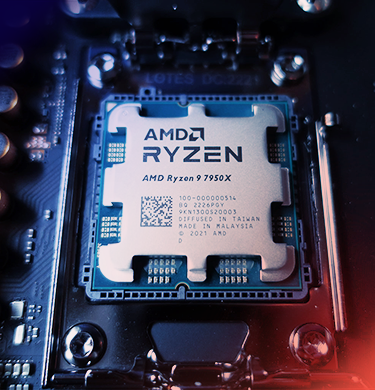
Ryzen VPS hosting is a virtual server that performs all its tasks efficiently and reliably, thanks to AMD Ryzen processors. This equipment features a multi-core architecture, making it highly recommended for serious, demanding projects. By working with the AMD RYZEN 9 7950X, you will experience comfort in handling various work tasks and control over any processes (both within and outside your web project). The AMD RYZEN 9 7950X ensures seamless interaction with all types of databases, supports multitasking, easily handles high loads, and efficiently launches virtual machines.
Power VPS is a server that offers the renter an increased amount of critical resources for handling and solving particularly complex tasks. This type of server provides a combination of flexible configurations and maximum computing power. Thus, VPS Power can be the best option for enterprises and companies in need of specialized servers for data analytics, working with large web platforms, and running high-traffic applications.
The strong qualities and technical capabilities of Power VPS include:
When comparing these two solutions, it can be noted that Ryzen VPS is considered an optimal service for medium-sized projects requiring high performance at moderate financial costs. In contrast, Power VPS is more suitable for large enterprises and companies that demand more serious stability and critical server resources.
Both Ryzen VPS and Power VPS offer easy and convenient setup of virtual machines and containers. These solutions provide maximum flexibility and essential scaling options, allowing you to run the required number of isolated server environments on a single physical server.
Renting a Ryzen 9 VPS for any term with AlexHost will allow you to handle resource-intensive tasks more easily and efficiently. This server and its reliable infrastructure will become the best assistants in deploying and supporting large databases, launching multi-level web applications, implementing virtualization tools, and conducting complex analytical computations.
Virtual machines are indispensable when you need to run multiple servers for different tasks. On the other hand, containerization technologies (such as Docker or Kubernetes) significantly simplify tasks related to software scaling, development, and testing.
The AMD RYZEN 9 7950X is a service offered by AlexHost that can be used for high-quality hosting of web resources, launching virtual machines, working with containerization technologies, and interacting with databases. This solution is optimal for any projects requiring fast data processing.
Power VPS is typically utilized by managers of large-scale web projects that involve extremely high loads and large traffic volumes. These include complex web applications, e-commerce platforms (online stores and marketplaces), as well as various analytical systems and applications.
Both types of servers, Ryzen VPS and Power VPS, support all known operating systems to date, including the Linux and Windows Server families. The choice of OS will always be individual, depending on requirements, and specifics of your project.
Ryzen VPS offers improved performance, high data processing speeds and excellent value for money. It is an ideal option for web applications, game servers and any projects that require high computing power.















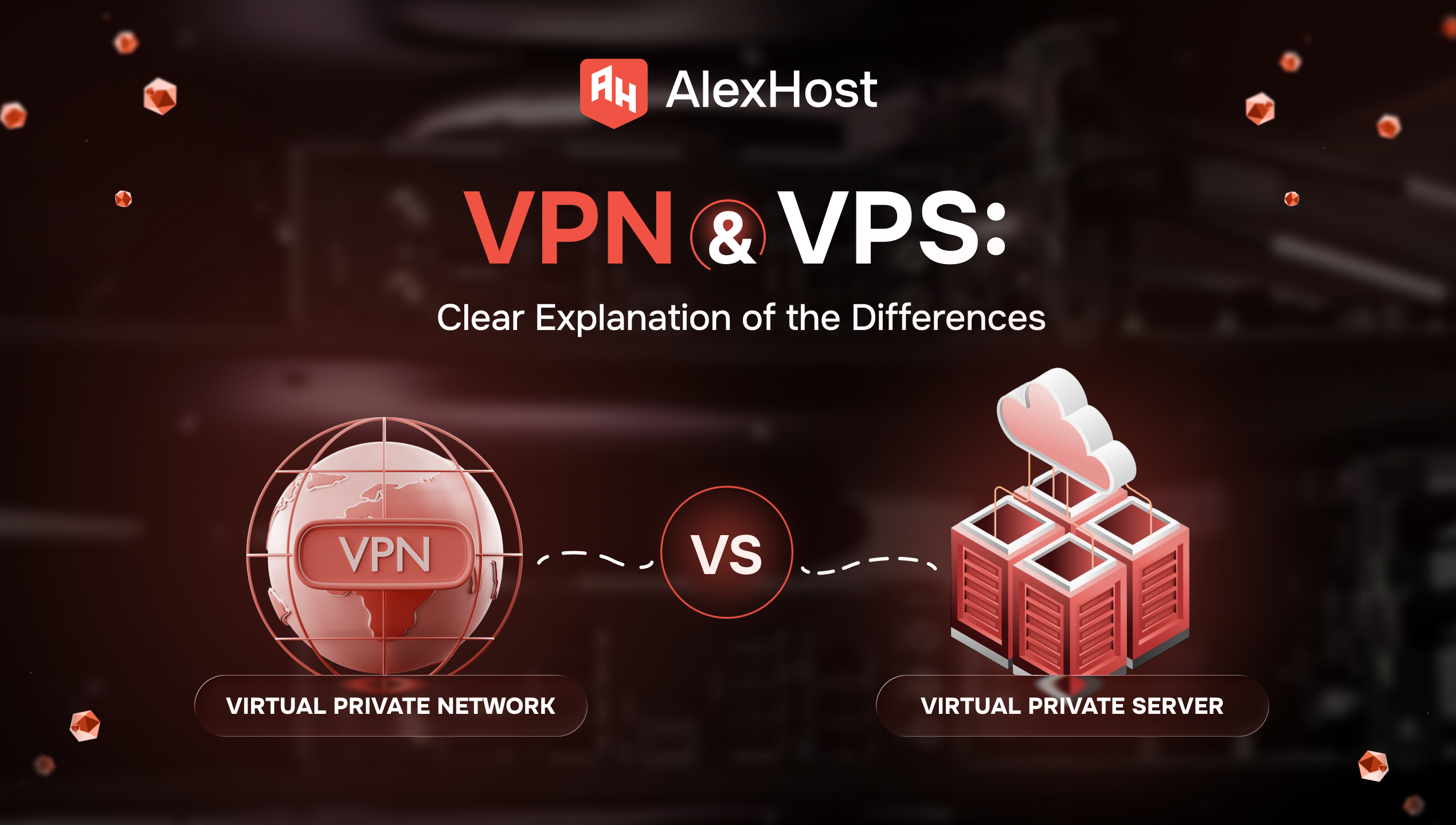
You open two tabs because you need one of two very normal things: safer browsing on public Wi‑Fi, or a server for a website, app, or self-hosted tool. Then the internet hands you two nearly identical acronyms — VPN and…
AlexHost introduces a major enhancement to its hosting ecosystem with the launch of a new VPS series built on the Intel Platinum 8268 platform. This release delivers a substantial leap in stability, processing power, and enterprise-grade performance — ideal for…
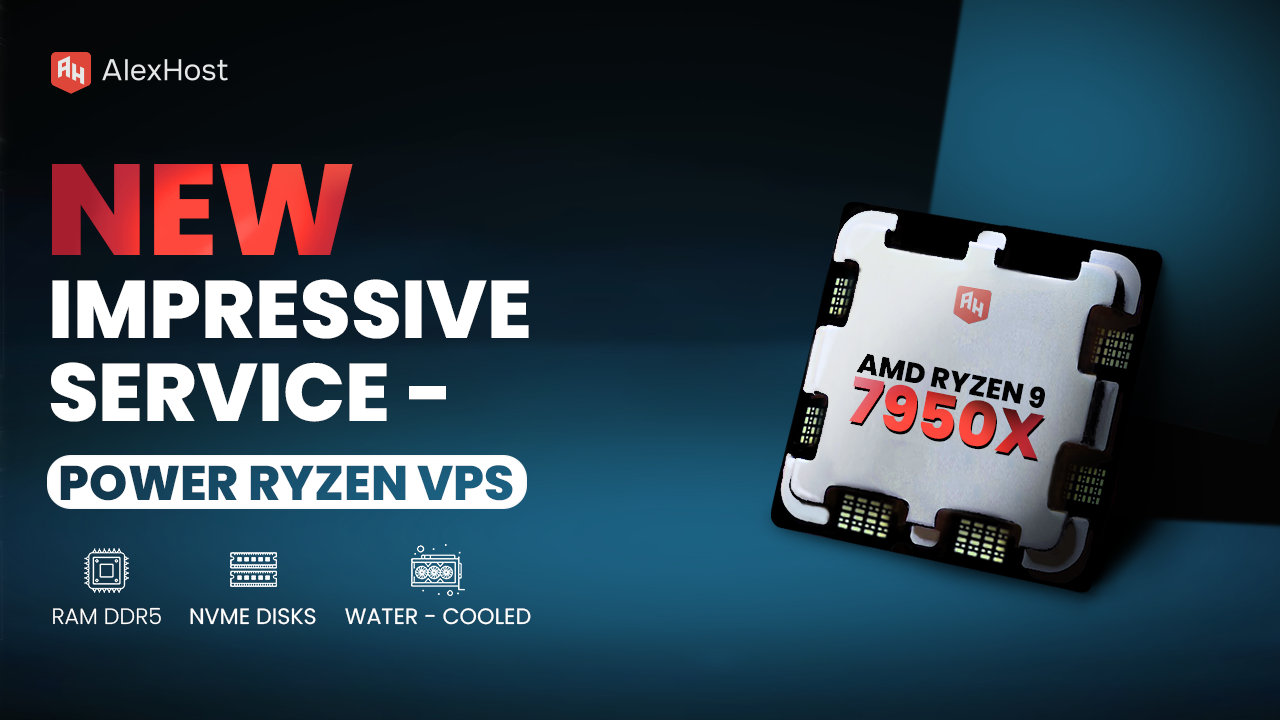
Ready to meet the growing needs of its customers, AlexHost is pleased to announce the launch of its new Ryzen VPS service, an essential tool designed to handle the complexities of modern business projects, regardless of their size or scale.…
Secure Shell (SSH) is one of the most powerful and essential tools in any system administrator's arsenal. Whether you're managing a small personal project or running a production web application, SSH gives you encrypted, authenticated, remote access to your server…

Enabling script autoloading in Ubuntu means configuring the operating system to automatically execute one or more shell scripts or services at system startup, without any manual intervention. This is achieved through three primary mechanisms: the legacy SysVinit-based /etc/init.d/ directory, the…

Keeping your IP address off spam blacklists is critical for email deliverability, service reputation, and uninterrupted operations. Whether you run a mail server, a SaaS platform, or a web application, a single blacklist entry can silently block your outbound emails…


