Open Ticket
  +373 79 600002
  Telegram Live Chat
  F.A.Q
F.A.Q  English
 Русский
  Română
  Deutsch
  Français
  Türkçe
  Español
  Português
  Українська
  български
  Polski
  Indonesia
  中文 (中国)






































































































































 on All Hosting Services






What Is MCP in AI? Model Context Protocol Explained
Why AI Needs External Connections

An AI assistant may explain code or draft a meeting agenda well. Ask it to inspect a live repository issue or the private files behind that issue, and a gap appears. The same happens with your calendar or an internal knowledge base. The model may be capable of interpreting the information, but the application still needs a controlled way to retrieve it.
Developers traditionally build those connections one at a time. One assistant gets a repository integration. Another needs a calendar connector, while a third reaches the same issue tracker through a different interface. As AI applications and outside systems multiply, so do their integrations. Each connection brings authentication and permission decisions, followed by ongoing maintenance and data-handling responsibilities. At scale, one-off connections become repeated engineering work.
The missing piece is not a smarter model. It is a reusable connection boundary between AI applications and external context or actions. This guide locates that boundary and traces one request through it. It then separates nearby concepts and helps you judge its fit.
What MCP Is and Why It Exists

Model Context Protocol (MCP) is an open standard that gives compatible AI applications a consistent way to connect to external systems providing data, tools, and reusable workflows. This restates the official introduction. “Open standard” means vendors can implement shared public rules instead of one product’s private connector format. In practice, a capability published through MCP can serve several compatible hosts, subject to what each host supports and permits.
The common analogy is “USB-C for AI applications.” Instead of inventing a different plug for every pairing, products can implement a shared connection standard. The limit matters as much as the analogy. Compatibility does not prove that a system is safe, authorized, or high quality. It also does not mean every host supports the same features.
Anthropic introduced MCP on November 25, 2024, then contributed it to the Linux Foundation’s Agentic AI Foundation in December 2025. It is now an openly governed, cross-vendor project rather than an Anthropic-only proprietary feature. Support is widespread across major AI applications and developer tools, although implementation and approval behavior vary.
MCP Architecture: Hosts, Clients, and Servers
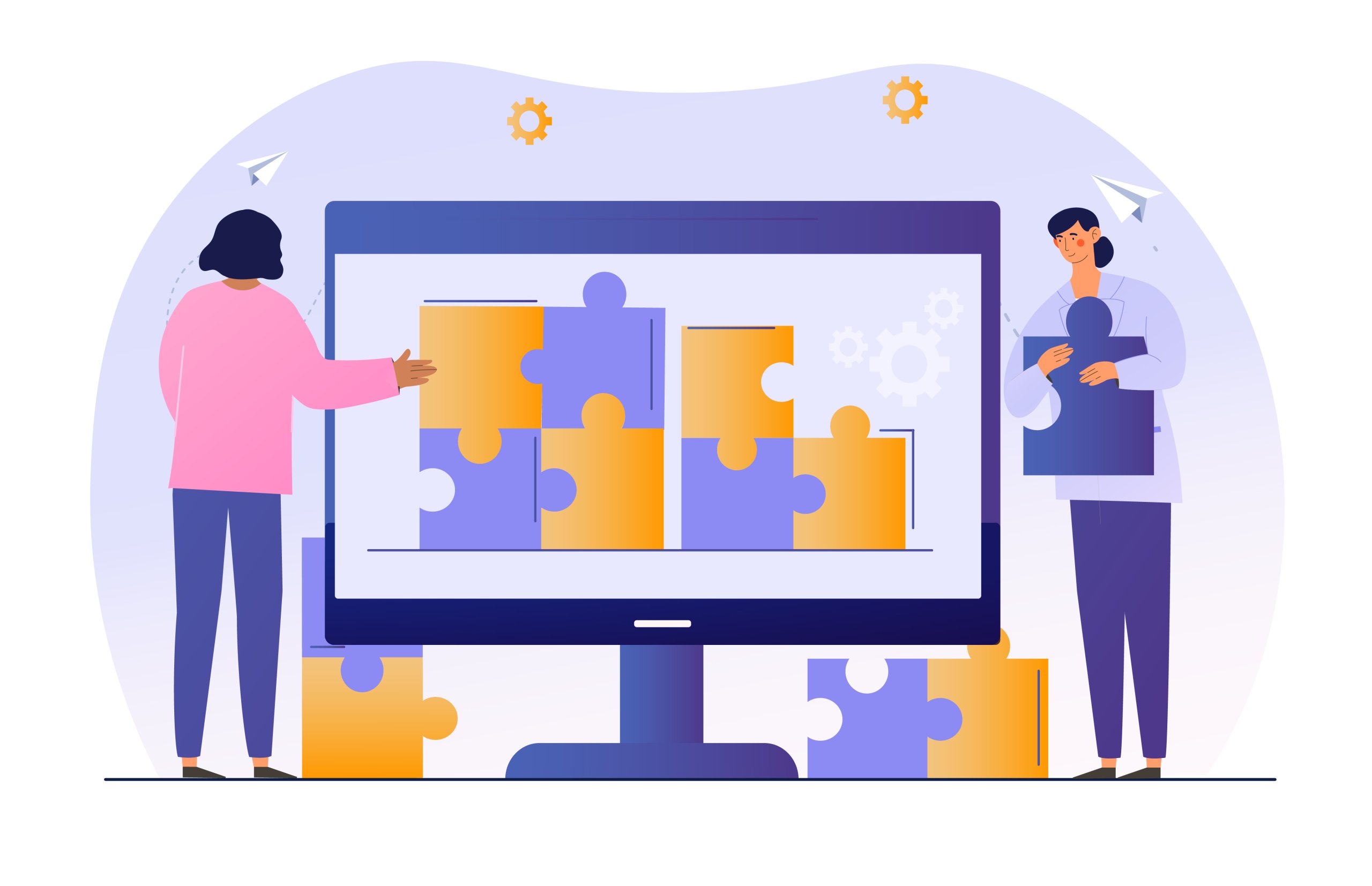
The MCP host is the user-facing AI application. It coordinates the interface, model, and connections to outside systems. Host policy determines which capabilities appear and when approval is required. The host also returns results to the user. The model operates inside it; it does not normally connect straight to outside systems.
An MCP client is the protocol-speaking component the host creates or manages for a server connection. There is one client per connected server. The product interface may hide it, but client and host remain distinct. Separate clients keep connections and exposed capabilities under host control.
An MCP server is a program that exposes capabilities through MCP—not a hardware class. The same server might run on a laptop and work with selected local files under the user’s account. Run it as a remote service, and network identity and availability become operating concerns. Its MCP role stays the same in both locations.
Servers expose three main capability types. A tool is an operation, such as retrieving an issue or creating a calendar event. A resource is readable context, such as a file, record, or schema. A prompt is a reusable interaction template, such as an incident-review prompt.
User request
     ↓
┌─ MCP host: AI application ───────────────────────────┐
│ Interface + model + policy/approval + result handling│
│                                                     │
│ ├─ MCP client A ────────────────────────────────────┼─⇄ Local MCP server
│ └─ MCP client B ────────────────────────────────────┼─⇄ Remote MCP server
└─────────────────────────────────────────────────────┘          │
                                                                 ├─ each exposes tools / resources / prompts
                                                                 ├─ local server ⇄ local files or application
                                                                 └─ remote server ⇄ external API, database, or service

Request/action travels →        Result/context returns ←
The official architecture overview goes deeper. A server may sit in front of an existing API or database. It can also expose access to a command-line interface, file system, or business service. MCP standardizes exposure and exchange; the underlying system stores data or performs the action.
In service-desk terms, the host coordinates the visit. Each client is a protocol-speaking clerk assigned to one desk, while each server publishes a capability menu. That menu shows availability, not safety.
How an MCP Request Works
Consider that architecture in motion. A developer asks a coding assistant to inspect an issue and relevant repository files, then explain the likely cause. The task is read-only: investigate, but do not edit, commit, merge, or deploy.

A typical conceptual flow has six stages:
- The host connects. The assistant is configured to reach the issue and repository servers through its MCP clients.
- The host discovers and filters capabilities. Clients learn what their servers offer; the host narrows the set by configuration, relevance, and permission.
- The user asks the question. The host gives the model the request, available context, and only the relevant capability descriptions.
- The model proposes an operation. It selects an appropriate read tool. The host applies policy and requests approval if required; behavior varies by host and configuration.
- The server performs the work. It calls the issue tracker, repository interface, or API and returns structured results through the client.
- The model interprets the evidence. The host adds the returned information to model context, and the model explains it to the user.
Here, capability discovery means the client learns what a server currently offers instead of relying on a menu hardcoded into the application. The provider can evolve that menu without redefining it separately inside every host.
As the diagram shows, the request moves from host to client, server, and underlying system. Results return along the same path before the model uses them.
A small, task-specific capability set is often better than the full catalog. Narrow exposure limits unnecessary privilege. Fewer descriptions also reduce token use, cost, and latency while making tool selection less confusing. Discovery provides options; the host decides which ones enter the interaction.
MCP, APIs, Function Calling, Agents, and RAG

MCP, APIs, function calling, agents, and retrieval-augmented generation (RAG) are often framed as rivals. They solve different problems and regularly work together.
The layered chain can look like this: underlying service/API → MCP server → MCP client/host → model tool selection → optional agent loop.
| Concept | What it is | Its job | How it relates to MCP |
|---|---|---|---|
| 🔌MCP | An open connection protocol and standard | Standardizes how compatible AI applications discover and exchange capabilities and context | It is the integration boundary being explained |
| 🔗 API | A service-specific interface or contract | Lets software request data or actions from a service | An MCP server often wraps or calls an API; MCP does not replace it |
| 🛠️ Function calling / tool calling | A model or provider mechanism for selecting a named operation with structured arguments | Turns model intent into a tool request | A host can translate discovered MCP tools into the model’s tool format |
| 🤖 Agent | A goal-directed system that chooses and repeats actions within a loop | Coordinates multi-step work under rules and stopping conditions | An agent may use MCP to reach capabilities; MCP itself is not an agent |
| 🔎 RAG | A retrieval-and-grounding pattern | Fetches relevant information before generation | MCP can expose resources or retrieval tools used in RAG; it is not the retrieval strategy or context window |
In the repository example, an API supplies the data, and an MCP server exposes a scoped read operation. Function calling lets the model propose that operation. An optional agent loop may repeat approved reads. The service keeps its existing interface while compatible hosts gain a standard way to discover the operation.
“Connector” and “plugin” are product labels, not MCP synonyms. Either may use MCP or a proprietary integration; the name alone does not reveal the protocol.
Practical MCP Use Cases
MCP use cases have two practical shapes. Context and read operations gather evidence without changing the source. Consequential actions create an outside effect, such as updating data or sending a message. MCP can expose both; the security section explains the tighter controls needed for the second group.

The safest first projects are therefore narrow and read-heavy:
| Audience | Connected systems | Safe first capability | Practical outcome |
|---|---|---|---|
| 💻 Developers | Repositories, issue trackers, documentation, build results | Read an issue plus scoped repository or documentation context; produce an explanation or draft, not a merge | Reduce the time spent gathering evidence for issue investigation |
| 💼 Business/operations teams | Knowledge bases, calendars, CRM, support systems | Search approved records and draft a reply or meeting summary; do not send or modify records automatically | Prepare support responses and meeting follow-ups faster |
| 🏠 Self-hosters | Private files, home-lab services, internal dashboards | Read a scoped directory or service status; do not expose a general shell or delete action | Check private files and service status with less manual switching |
| ☁️ Cloud/IT operations | Logs, metrics, inventories, runbooks, incident systems | Correlate read-only evidence and recommend a next check; gate restart, deploy, firewall, or account actions | Correlate incident evidence and narrow the next investigation step |
Development teams may use an editor, chat interface, and review tool against the same repositories and issues. A shared capability gives each host the same scoped evidence, reducing the setup work before an investigation can begin.
For business teams, the immediate value is faster preparation. Approved knowledge-base or CRM context can support a response draft or meeting summary, so staff spend less time gathering background before review.
Self-hosters can use the same pattern to check private files and home-lab services without moving between several interfaces. Cloud and IT teams can bring logs, metrics, and runbooks into one investigation, making incident evidence easier to correlate.
Across all four rows, a useful first project has a named source, a clear task, and an observable outcome. That makes its value easier to judge before the scope grows.
Local vs Remote MCP
An MCP server is a software role that can live in two common places. A local server is a process the host launches or reaches over stdio, meaning direct standard input/output between local processes. It sits near local files and applications, often serves one client, and may run with the user’s privileges.
A remote server is a continuously reachable service accessed over HTTPS using MCP’s remote transport (currently Streamable HTTP). It can serve one or many compatible hosts. “Remote” means reachable by its intended network clients, not necessarily exposed to the public internet.
Local:  AI host → stdio → local MCP process → scoped local files/app
                        [same-machine trust boundary]

Remote: AI host → HTTPS → remote MCP service → API/database/business system
                        [network + identity trust boundary]
Running MCP remotely creates ordinary service responsibilities. Access and secrets need protection, while logs and monitoring make behavior visible. Patching, availability, and network boundaries also become operating concerns. The next section covers these controls in full.
A standard AlexHost VPS can suit a small, always-on remote MCP service or gateway. AlexHost AI hosting matters only when self-hosted model inference is a separate, compute-heavy workload. MCP itself does not require a GPU.
MCP Security and Trust
Compatibility becomes a security question when data and actions cross the boundary. A server may receive selected data or expose tools that trigger outside actions. A tool’s name and description are software claims, not proof of safe behavior. The same caution applies to its annotations.
Placement changes the risk. A local server is executable code that may inherit the user’s file and network access. A remote server receives data across a network, so its identity and authorization controls matter. The connection also depends on transport protection and trust in the operator.
⚠️ Warning: Connection compatibility is not a trust certificate. As with USB-C, interoperability does not decide whether a component should receive your data or permissions.

Use this six-part baseline:
- Choose deliberately. Prefer official, reviewed, or internally controlled servers. Inspect the exact command and package before running local code.
- Keep exposure narrow. Allow only necessary servers, capabilities, directories, records, and tools. Start read-only and apply least privilege—the minimum access required.
- Gate consequential actions. Require explicit approval or a hard policy for send, delete, pay, deploy, permission-change, and similar operations.
- Protect remote access. Use appropriate authentication and authorization, HTTPS, scoped credentials, and careful secret handling.
- Isolate local processes. Sandbox them where practical, especially when they do not need broad filesystem or network access.
- Retain useful logs. Record connections, data sharing, tool calls, approvals, failures, and outcomes for audit.
A registry aids discovery, an open-source license permits inspection, and a valid implementation establishes compatibility. None alone guarantees safety. The official MCP security guidance goes deeper for implementers.
Security remains shared. The host controls exposure, and the server enforces its boundaries. The operator protects the deployment and credentials, while the underlying system authorizes each request.
When to Use MCP
MCP earns its extra boundary when independently supplied capabilities need reuse across compatible hosts. Runtime discovery may also matter when those capabilities change over time. A shared boundary can then keep governance consistent while allowing the capability and host to evolve separately.

If one application needs one small, stable integration, a direct API call or application-owned function may be simpler. If code already knows the operation order, use a deterministic workflow: a predefined sequence favoring predictability and auditability over model-selected steps.
Use these six questions as a practical filter:
- Will more than one compatible AI host reuse the capability? If no, a direct integration may be enough.
- Must the capability evolve independently of the host or be discovered dynamically? If no, application-owned functions may be simpler.
- Should a model choose among operations, or is the sequence already known? Known sequences favor deterministic code.
- Can the team govern this boundary? If not, do not add consequential MCP tools yet; apply the controls from the security section first.
- Are added latency, capability-selection errors, and service operations justified by reuse? If no, keep the boundary smaller.
- Do target hosts support the primitives and approval behavior the project needs? If uncertain, verify compatibility before standardizing on MCP.
A “yes” to dynamic discovery is not a reason to expose the full catalog. Too many descriptions consume tokens, add cost and latency, and make selection less reliable. More tools do not guarantee a better application.
Start with the simplest integration that works. Choose MCP only when the checklist points to a clear advantage over a direct integration.
Conclusion

Return to the assistant from the beginning. MCP did not change the model’s reasoning ability. It gave the host a defined way to retrieve selected outside context.
The mental model is simple: the server exposes; the client connects; the host controls; the underlying system does the work. MCP is one connection layer within a larger AI stack.
Before adopting MCP, identify one narrow, read-only capability that more than one AI host would benefit from. If you cannot name one, start with a direct integration instead.