Open Ticket
  +373 79 600002
  Telegram Live Chat
  F.A.Q
F.A.Q  English
 Русский
  Română
  Deutsch
  Français
  Türkçe
  Español
  Português
  Українська
  български
  Polski
  Indonesia
  中文 (中国)






































































































































 on All Hosting Services






Seven Practical Ways to Use AI on a VPS — From Private Assistants to Always-On Automation
AI on VPS: Beyond the Benchmark Myth
AI on a VPS sounds, at first, like a slightly doomed hardware experiment: take a big model, put it on a small server, and hope for the best. That picture is why many readers dismiss the idea too quickly. If the only question is whether a cheap CPU box can impersonate a GPU inference cluster, the answer is usually no.

The more useful question is different. What if the VPS is not mainly where the biggest model lives, but where AI stays online, connects to your documents, sits beside your workflows, and exposes one controlled layer to users, apps, or teammates?
That is where AI on a VPS starts to make practical sense:
- privacy
- always-on availability
- stable integrations
- tighter control over data movement
So this is not a benchmark contest and it is not a deployment tutorial. It is a practical guide to the patterns that actually fit: the cases where a server becomes useful because it is well placed, not because it pretends to be a mini research lab.
A One-Minute Map of Where AI on a VPS Actually Fits
Before we go deeper, it helps to scan the landscape once. The seven patterns below cover most realistic AI-on-a-VPS uses, from a private assistant over internal documents to automation, shared team workspaces, and batch document processing.

Read the table as a placement map: some patterns mainly use the VPS as the always-on integration layer, some add light local AI, and a few can later graduate to GPU-backed serving.
| Use case | What it does | Why the VPS matters |
|---|---|---|
| 📚 Private knowledge assistant | Answers from internal docs and notes | Keeps documents and access rules close |
| ⚙️ AI automation hub | Classifies, routes, and drafts in workflows | Keeps webhooks and integrations online |
| 🖥️ Dev and ops copilot | Reads logs, alerts, configs, and repos | Centralizes operational context |
| 📨 Support and back-office triage | Sorts intake and drafts replies | Connects inboxes, forms, CRMs, and rules |
| 👥 Shared internal AI workspace | Gives teams one governed AI layer | Centralizes access, prompts, and knowledge |
| 🔐 Private AI gateway | Exposes one stable endpoint to apps and bots | Handles auth, logging, routing, and provider switching |
| 📄 Document-processing pipeline | Runs OCR, transcription, extraction, and summaries | Supports queues, schedules, and downstream routing |
The Mental Model: A VPS Is Less an AI Lab and More a Private Control Room
The cleanest way to understand AI on a VPS is as a private control room, not an AI lab. People, apps, documents, and internal tools pass through it. The model might live in a remote API, run lightly on the server, or sit on a larger GPU system elsewhere. The VPS matters because it coordinates access, context, routing, and rules.

There are three common modes, and mixing them up causes most of the confusion:
| Mode | What it means | VPS role | Best fit |
|---|---|---|---|
| Remote API model | The model stays at a provider | Handles auth, retrieval, logs, and workflows | Best first step for many teams |
| Lightweight local model | A smaller model runs on the VPS | Combines light inference with the app layer | Good for narrow, low-volume workloads |
| Specialized GPU serving | The heavy model runs on GPU infrastructure elsewhere | Stays the front door and policy layer | Best when inference becomes the main workload |
In practice, the VPS may host the interface, the retrieval layer, the permissions, or the workflow logic—even when the model itself lives elsewhere. If you do run a smaller local model on the server, it is usually there to support a narrow task rather than replace the whole stack.
📝 Note: “AI on a VPS” can mean AI running on the VPS, called from it, or privately exposed through it. The useful part is often the controlled layer in the middle.
This is also where privacy gets misread. Self-hosting model weights can help, but privacy and control do not live only in the weights. They also live in who can reach the assistant, where prompts and logs are stored, how documents are retrieved, what tools the AI can touch, and whether traffic passes through your rules first. A hosted model behind a well-governed VPS can be a better starting point than a poorly controlled self-hosted stack.
At a glance:
users, apps, and documents → VPS layer (auth, retrieval, routing, logs, permissions) → model runtime or providerThat is why these seven use cases belong together: they are different ways of placing AI next to the systems it needs to be useful.
Use Case #1: A Private Knowledge Assistant for Your Docs, Notes, and Runbooks

One of the best first AI-on-a-VPS projects is a private assistant that answers questions from your own material. For a solo operator, that might mean notes, personal documentation, saved research, or repositories. For a team, it could mean onboarding docs, SOPs, internal wikis, or policy material. It can also cover runbooks that nobody wants to dig through manually when time matters.
💡 Tip: Retrieval, often called RAG, is best understood as a librarian pattern. The system is not retraining the model on your files; it is fetching the right pages before answering so the reply is grounded in the material that already exists.
That distinction matters because the value here is not frontier-model prestige. It is context relevance. A midrange model with the right documents and permissions in front of it can be more useful than a stronger general model with none of your internal context. And because the VPS sits close to the document store, access rules, and logging path, you get tighter control over who can ask what and what sources the system is allowed to use.
It also makes the assistant easier to use day to day. Instead of hunting across uploads, browser tabs, and storage tools, people get one place to query approved material. That does not replace search or documentation discipline, but it does make both more accessible. Once AI can answer from private context, the next step is letting it help move work forward.
Use Case #2: An AI Automation Hub That Keeps Workflows Moving

A VPS is especially useful when AI stops being a chat window and starts behaving like a night-shift coordinator.
- Emails come in
- Tickets need sorting
- Leads need enrichment
- Forms need summaries
- Cases need routing
The value is not that AI “does the whole business.” It is that it keeps low-friction decisions moving when the next step depends on interpreting messy input.
Most real AI automation stacks already look modular. A workflow layer handles triggers and branching. A model—remote or local—classifies, summarizes, extracts, or drafts. A database or vector store keeps context. Another system receives the result and decides what happens next. That shape keeps the workflow observable and easier to control.
⚠️ Warning: Approval checkpoints matter more than impressive demos. Let AI interpret and prepare, but keep billing changes, account actions, destructive edits, or sensitive outbound communication behind human review or hard rules.
This is where a VPS helps operationally. It stays online, receives events, keeps keys and templates in one place, and hands the next step to the right tool or person. AI is useful here because it can classify, enrich, summarize, and draft inside a workflow without turning the workflow into a black box.
Use Case #3: A Dev and Ops Copilot for Logs, Alerts, Scripts, and Repositories

For developers, self-hosters, and sysadmins, one of the strongest AI-on-a-VPS patterns is an operational copilot. Think of the jobs that slow technical work down. One example is log summarization after an incident. Another is correlating alerts with recent deployments, or explaining an unfamiliar config file. It can also compare a current failure against an old runbook or surface the right repository context before someone starts troubleshooting at 2 a.m.
The important framing is analyst, not unattended admin. Operations work is full of scattered signals. Logs live in one place, while monitoring lives elsewhere. Docs sit somewhere else, scripts stay on the server, and tribal knowledge may be stuck in a chat thread. A VPS can sit close to all of that, keep the access path stable, and give the model one controlled view into the evidence without turning it loose as a root-level actor.
⚠️ Warning: Do not frame AI as a blind shell user. In dev and ops contexts, least privilege matters: read-heavy access, narrow tool scopes, approval gates for risky actions, and detailed audit trails matter far more than “give the agent a terminal.”
Used well, this kind of copilot shortens the reading phase of incident response. It can summarize the signal, compare it with past failures, and hand a human a safer first path to investigate.
Use Case #4: A Smarter Support and Back-Office Triage Layer

AI on a VPS also fits the quieter operational work that eats time every day. That might mean
- FAQ assistance
- Reply drafting
- Multilingual intake
- Lead qualification
- Case routing
- Internal escalation
In many teams, the problem is not a lack of data. Requests simply arrive in different formats and still need normalizing before the right person can act.
A VPS matters here because the AI layer needs stable connections to forms and inboxes. It also needs access to CRMs, internal docs, and role-based rules. That makes the server less like a chatbot box and more like a controlled intake desk. The model can help interpret and prepare the work, while the VPS layer keeps routing logic, permissions, logs, and integrations in one place.
The positioning should stay disciplined. This is a triage and assistance layer, not a promise to replace the support team with a “24/7 AI employee.” Private deployment can improve control over data paths and integrations, but it does not automatically improve process quality. If the escalation rules are messy or the knowledge base is outdated, AI will reflect that mess.
Use Case #5: A Shared Internal AI Workspace for a Team
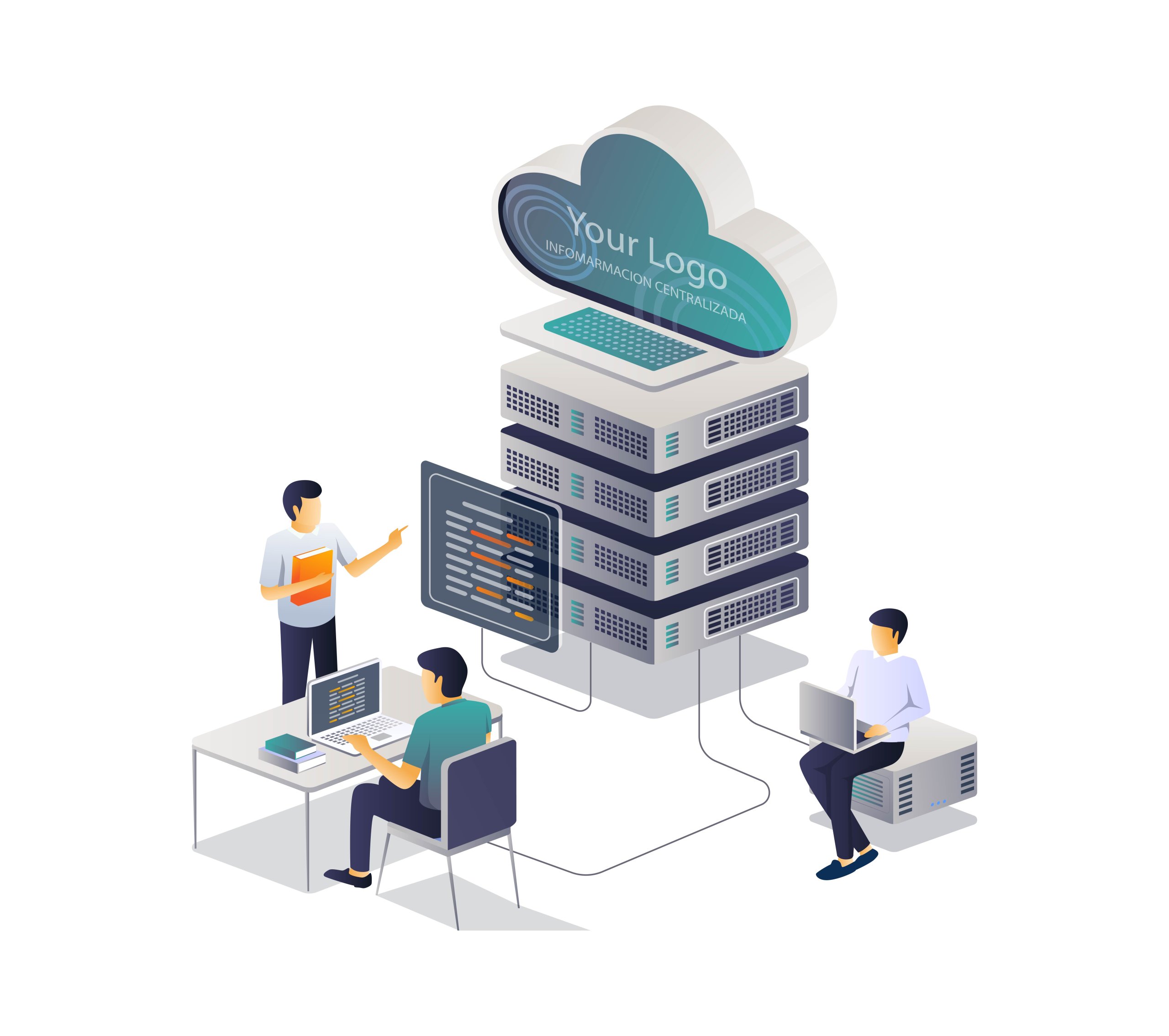
Not every useful AI VPS project is hidden behind automation. Sometimes the best move is simply giving a team one shared AI workspace instead of letting everyone scatter prompts, uploads, and ad hoc experiments across disconnected SaaS tabs. That shared layer can include multi-user chat and shared prompt templates. It can also hold model presets, internal knowledge sources, team channels, and role-based access.
📝 Note: The simplest way to picture this is one controlled AI office. People may use different models or different prompts inside it, but governance, access, and shared context live in one place.
That is why the workspace remains valuable even when the heaviest model is remote. The real gain is team consistency: shared defaults, reusable prompts, controlled access, and one place to connect internal knowledge.
A team can limit which data sources are available and preserve a clearer audit trail of how AI is being used. It also stops people from rebuilding the same prompt patterns in parallel. Once that shared human layer exists, the next logical step is exposing a similar layer to internal apps and bots.
Use Case #6: A Private AI Gateway for Apps, Bots, and Internal Tools
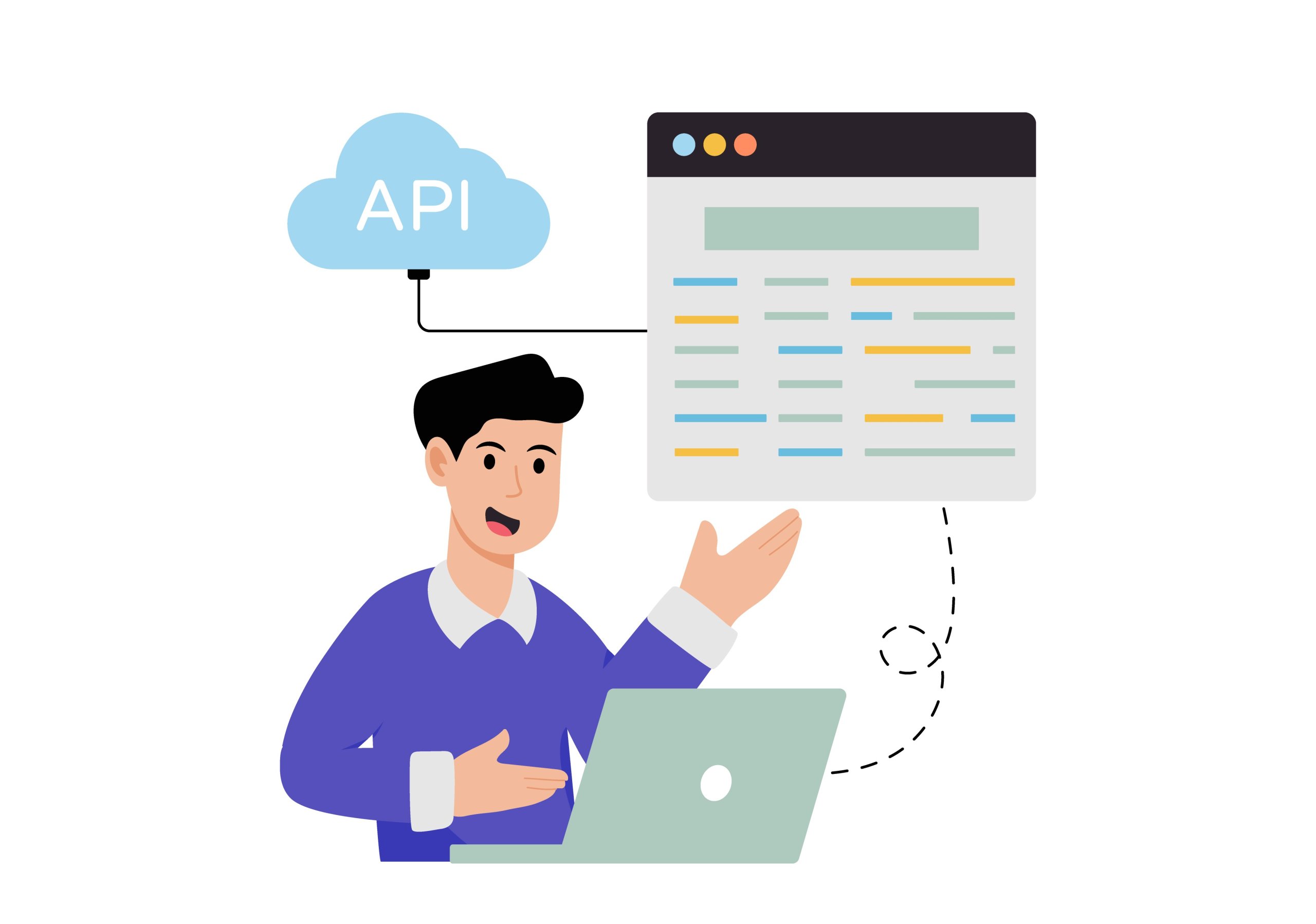
A VPS can also act as a private AI gateway: one stable endpoint that your website or internal application talks to instead of wiring each feature directly to one vendor forever. The same pattern works for Slack or Telegram bots, admin panels, and CRM sidebars. It is less flashy than a chatbot demo, but it is one of the most useful reasons to put AI on a VPS.
📝 Note: The app should not need to know which model sits behind the gateway.
The value here is operational. The VPS can hold authentication, API keys, rate limits, and logging behind one domain or API surface. It can also keep prompt templates, model routing rules, and provider-switching logic in the same place. If you later swap model providers, add a local service for a narrow task, or split traffic by policy, the apps above that layer do not all need to be rewritten at once.
That is why this pattern matters even for small teams. You do not need a full inference cluster to benefit from a stable AI endpoint. The server becomes the policy and routing layer first. Heavy inference can stay elsewhere until it truly needs to move.
Use Case #7: Document-Heavy Processing Like OCR, Transcription, and Summarization Pipelines
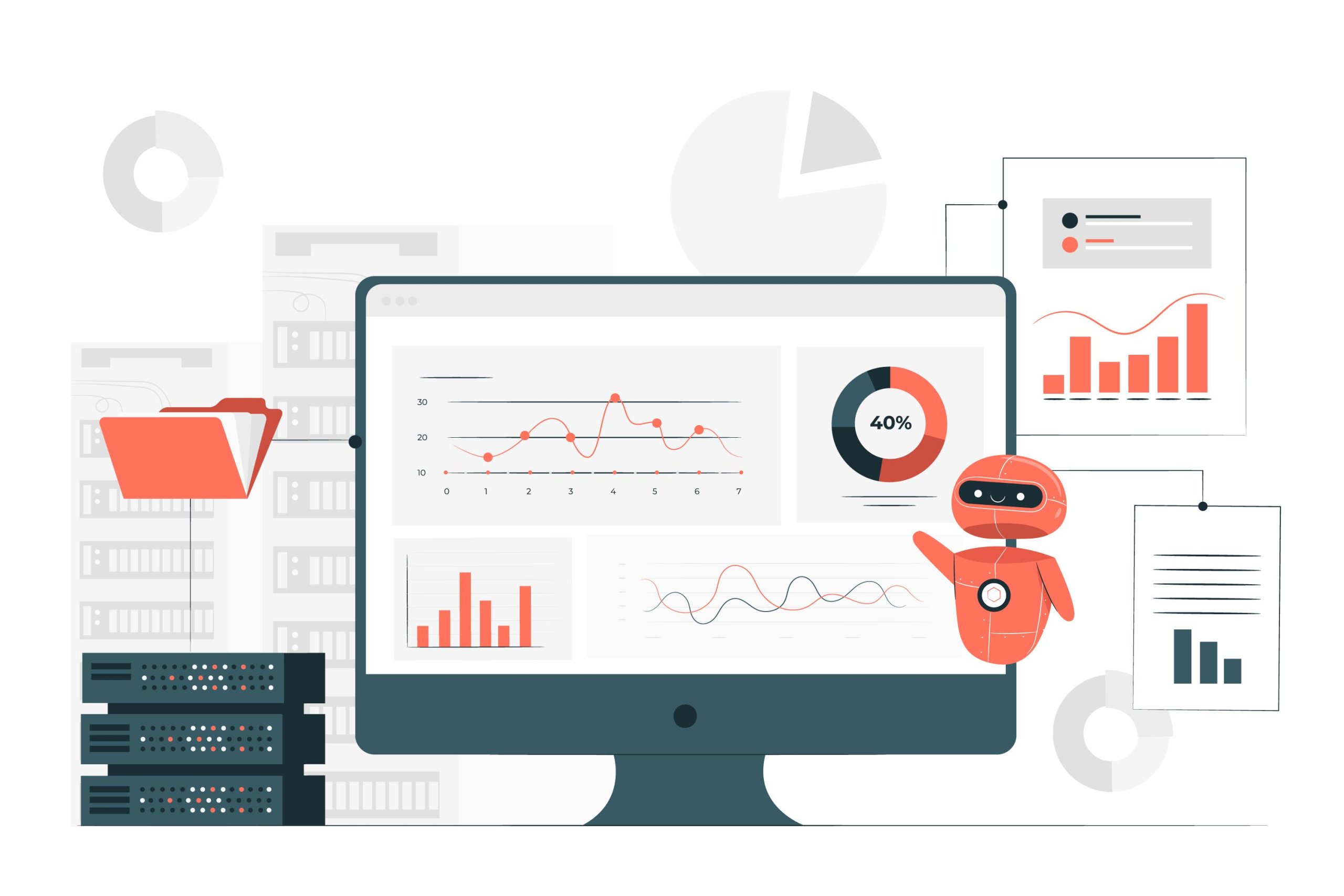
Some of the most practical AI-on-a-VPS work is not conversational at all. It is assembly-line AI. Scanned PDFs come in, invoices get read, and forms get extracted. Meeting recordings can be transcribed, voice notes can be summarized, and messy inputs can become structured outputs another system can actually use.
💡 Tip: If the result feeds another automated system, prefer structured outputs over clever prose. Extracted fields, tags, confidence flags, and short summaries are usually more useful than a paragraph that sounds polished.
A VPS is a good fit because these pipelines are often scheduled, queued, or event-driven. The server can watch folders or inboxes, store intermediates, route outputs, and keep the workflow running even when nobody is actively chatting with it. The useful output may be searchable text or structured fields. In other cases, it is a summary record, a set of tags, or a downstream workflow entry. The point is that the result is not a conversation at all.
This is also a good reminder that self-hosted AI on a VPS does not have to mean a local LLM for every step. Modern stacks can mix OCR engines, extraction tools, and summarizers as separate pieces. They can then connect those outputs to retrieval systems or workflow automation. The value is in turning unstructured inputs into something clean enough to search, route, or analyze later. That brings us to the realism question: what actually fits a normal VPS, and what does not?
What Fits a Standard VPS, and What Should Move to GPU or Dedicated AI Hosting

This is where hype needs a boundary. A standard VPS is excellent at the control-plane side of AI. That includes orchestration, private portals, gateways, document-aware assistants, scheduled workflows, and light local inference. It is usually a bad place to pretend you are running a serious multi-user inference platform for large local models.
The split is easier to see side by side:
| Good fit on a normal VPS | Signals you should look at GPU or dedicated AI hosting |
|---|---|
| Calling remote models from your own workflows or apps | Running larger local models as the primary workload |
| Hosting a shared AI workspace or private assistant over internal docs | Needing high concurrency |
| Running an AI gateway with auth, logging, and routing | Chasing low latency under sustained inference load |
| Scheduled OCR, transcription, extraction, or summarization jobs | Serving production-grade local inference stacks |
| Light local models for narrow tasks | Building around vLLM-style, GPU-first serving layers |
Fit spectrum:
- control plane and automation ← standard VPS
- heavy inference and larger local models → GPU or dedicated AI hosting
⚠️ Warning: A normal CPU VPS is not the same thing as GPU-backed inference hosting. If inference becomes the main job rather than the supporting layer, architecture and hardware expectations change fast.
The reason is simple. Orchestration and access control are usually light compared with model serving. A VPS can comfortably host the front door, the workflow logic, the retrieval layer, or the app-facing API. But once you care about bigger local models, lower latency for many users, or production-style serving stacks, the model runtime itself becomes the product.
That is the natural point for subtle hosting fit. If you are building the always-on control layer first, a standard AlexHost VPS is the right kind of environment to start with. If the workload later shifts toward serious local inference or dedicated model serving, that is when AlexHost AI hosting or GPU hosting becomes the better fit.
The practical rule is not “self-host everything” or “use remote APIs forever.” It is to separate control-plane needs from inference-heavy needs. That gives you a cleaner upgrade path: keep the workflow layer steady, and move only the inference layer when scale forces the issue.
A Simple Decision Framework: Where Should You Start?
The best first project is usually the least-complex one that solves a real problem. Before choosing anything, run through these questions.
- What problem are you solving?
- Where does the data live, and how sensitive is it?
- Does it need to stay always-on?
- Who needs access
- How much operational burden are you willing to carry?
Those answers matter more than whether the architecture sounds impressive.

The matrix below is a good first cut:
| Your situation | Best first project | Data sensitivity | Ops tolerance | Why it usually fits |
|---|---|---|---|---|
| Solo user with notes or docs | Private knowledge assistant | Medium to high | Low to medium | Useful without much automation complexity |
| Small team drowning in repetitive inbound work | Bounded automation hub | Medium | Medium | AI helps classify, summarize, and route while humans keep approvals |
| Team that wants one governed AI layer | Shared internal AI workspace | Medium to high | Medium | Centralizes prompts, access, and knowledge |
| Developer building AI features into apps or bots | Private AI gateway | Varies | Medium | Gives one stable endpoint and provider flexibility |
| Workload is mostly “I need model output, not private orchestration” | Do not self-host the model yet | Low to medium | Low | Hosted model plus VPS coordination is often faster and easier |
| Heavy local inference is clearly the main workload | Start planning GPU or dedicated AI hosting | Medium to high | High | The bottleneck is serving performance, not orchestration |
💡 Tip: A hosted model plus a VPS orchestration layer is often the smartest first architecture. You keep the workflow, access rules, and integrations under your control without taking on GPU-grade serving work too early.
Pick the first project by friction, not by ambition. If a private knowledge assistant over your own docs already removes friction, start there. If the pain point is intake and routing, build the bounded automation hub. If the whole team keeps duplicating work across disconnected AI tools, create the shared workspace. The goal is not to self-host because it sounds advanced. It is to place AI where privacy, availability, and control meaningfully improve the workflow.
AI on a VPS Is About Placement, Control, and Usefulness
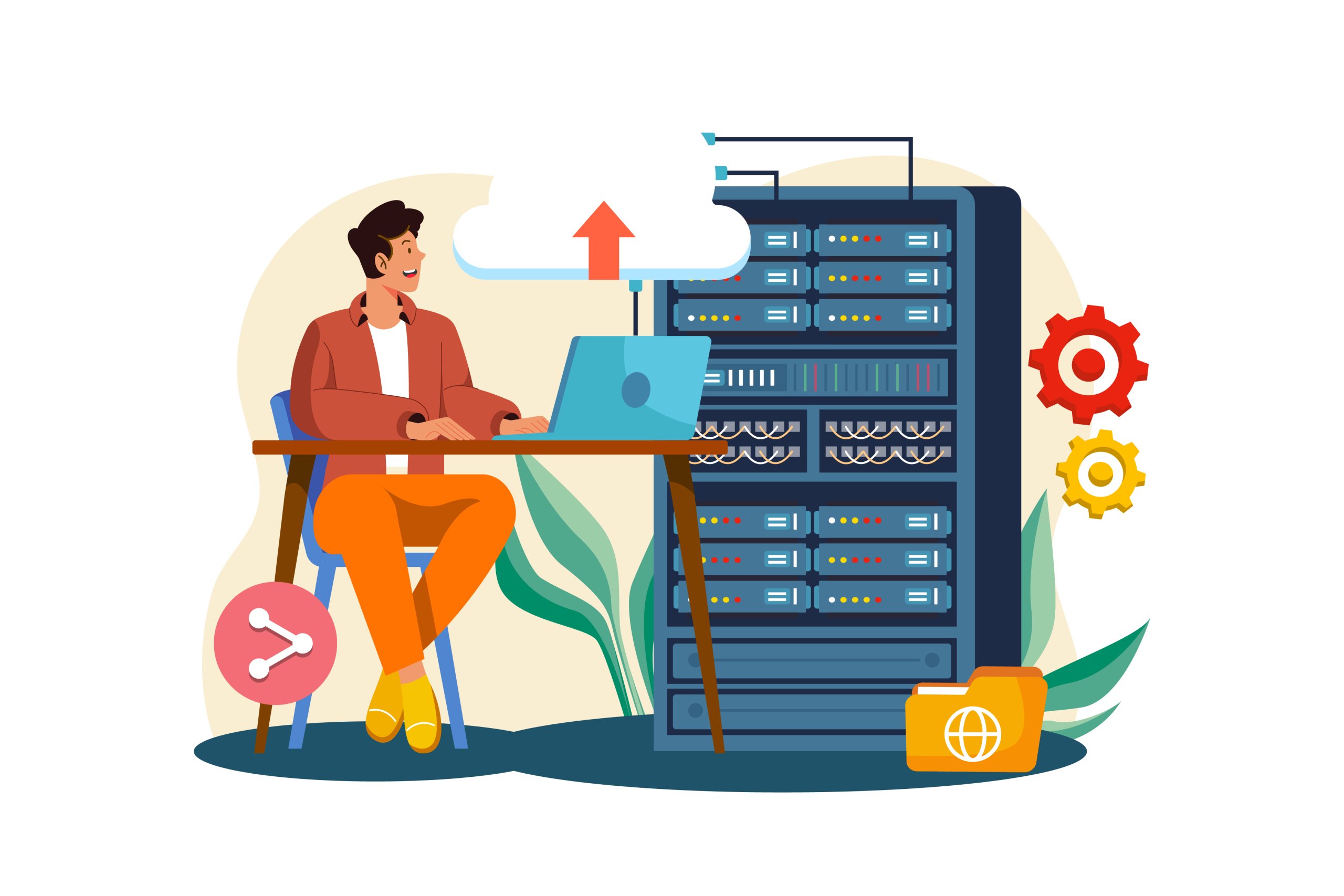
The useful picture to keep is the control room, not the lab. AI on a VPS usually pays off when the server becomes the stable layer between people, apps, documents, workflows, and model backends. That is why the smartest AI VPS use cases are so often about placement and coordination rather than chasing the biggest model you can possibly run.
Start with one bounded project that benefits from privacy, always-on access, or tighter control over data paths. Prove the workflow first. If the workload later grows into heavy concurrent inference or bigger local models, move that part to GPU or dedicated AI infrastructure when the need is real. That way, the architecture grows from usefulness—not from hype.