Open Ticket
  +373 79 600002
  Telegram Live Chat
  F.A.Q
F.A.Q  English
 Русский
  Română
  Deutsch
  Français
  Türkçe
  Español
  Português
  Українська
  български
  Polski
  Indonesia
  中文 (中国)






































































































































 on All Hosting Services






What Is a Firewall? How It Works, Why It Matters, and Which Type Fits Your Setup
Why Firewalls Matter

If you have ever clicked “Allow access” on a Windows or macOS prompt, opened SSH on a VPS, or made sure a cloud database was not publicly reachable, you have already made firewall decisions. Most people do this in fragments. They know the setting matters, but not what boundary they are really protecting.
That is why firewalls still matter. They are not just enterprise hardware in a datacenter rack. They show up on laptops, home routers, VPS instances, cloud dashboards, and public websites. Once you see them as boundary controls instead of mysterious security products, the topic becomes much easier to work with.
This guide gives you that simpler mental model. We will cover what a firewall is, how firewalls work, the main types of firewalls, and how to choose the right one for a device, server, cloud workload, or website. This is not a deep dive into enterprise appliances or full security architecture. It is a practical framework for choosing the right control at the right boundary.
Quick Keywords Before We Start

You do not need a networking certification to follow this article. You only need a small set of terms that will keep the rest of the explanation from turning into acronym soup.
| Keyword | Plain-English meaning |
|---|---|
| 🔥 Firewall | A rule-based control that allows or blocks network traffic at a specific boundary. |
| 🔌 Port | A numbered doorway that helps traffic reach the right service on a device or server. |
| ⬅️ Inbound | Traffic coming in to your device, server, or service. |
| ➡️ Outbound | Traffic leaving your device, server, or service. |
| 📜 Rule | A condition that tells the firewall what traffic to allow or block. |
| 🔄 Stateful | Able to remember a connection it already allowed so reply traffic can come back correctly. |
| 🖥️ Host-based firewall | A firewall that runs directly on an individual laptop, desktop, or server. |
| 🌐 Network firewall | A firewall that sits between networks, such as on a router, appliance, or gateway. |
| ☁️ Cloud firewall / security group | A virtual firewall control around cloud resources such as instances, interfaces, or networks. |
| 🛡️ WAF | A web application firewall that filters HTTP and HTTPS traffic for websites and APIs. |
What a Firewall Actually Is — and What It Isn’t
At its core, a firewall is a device or software program that controls network traffic between systems, networks, or application boundaries that should not all trust each other equally. That sounds formal, but the practical version is simple: a firewall is a checkpoint that decides what traffic may pass. It can live on a laptop, on a Linux server, in a router, in a cloud control plane, or in front of a website. It does not have to only be a physical box.

The most useful analogy here is building security. A network firewall is the front gate that controls what reaches the property at all. A host-based firewall is the lobby desk for one specific building, deciding who gets into that server or laptop. A WAF is a room-specific checkpoint inside the building, inspecting only the visitors trying to enter one web-facing area. Same general idea, different boundary.
A firewall’s job is narrow on purpose. It decides whether traffic is allowed through based on rules. That means it can reduce exposure, separate systems with different risk levels, and help contain damage when something goes wrong. It does not automatically clean infected files, fix weak passwords, patch vulnerable software, or turn an unsafe application into a safe one. It is one layer in a defense-in-depth setup, not the whole stack.
📝 Note: A firewall is not antivirus, a VPN, or a full security stack. Antivirus looks for malicious files or behavior, a VPN creates an encrypted path between endpoints, and a firewall decides what traffic is allowed across a boundary.
This distinction matters because firewall confusion usually starts when people use one label for several different jobs. If you install antivirus, you still need traffic controls. If you use a VPN, you still need rules around what services are reachable. If you buy a hosting plan with security features, you still need to know which boundary each feature protects. The firewall is the traffic checkpoint. That clarity makes the rest of the category much easier to judge.
How Firewalls Work at a High Level
Firewalls work by comparing traffic against rules. Those rules commonly look at five practical things: source, destination, direction, protocol, and port. In other words, where the traffic comes from, where it is going, whether it is inbound or outbound, what kind of network conversation it is, and which service it is trying to reach.
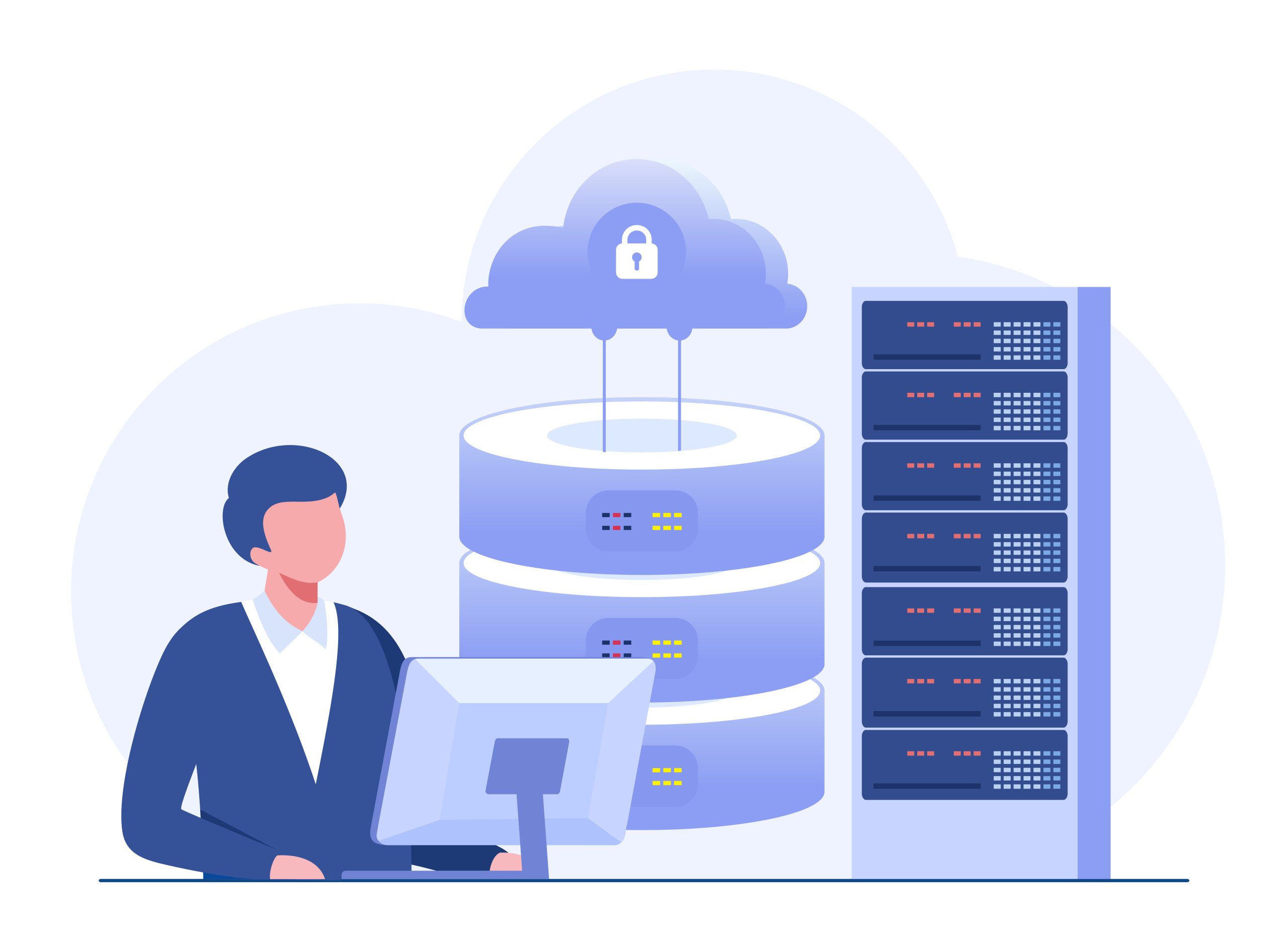
Take a simple VPS example. You might allow SSH only from a trusted admin IP, allow HTTP and HTTPS from the public internet because the site is meant to be public, and keep the database port closed to the public entirely. None of those rules are abstract security theater. Each one answers a very ordinary question: who should be able to reach this service, and who should not?
Many firewalls are stateful, which means they remember a conversation they already allowed. If your server sends a legitimate response back to a client, the firewall does not need you to write a separate “reverse traffic” rule for every reply in many environments. That does not mean the firewall deeply understands every application. It means it keeps track of connection state well enough to handle normal two-way traffic sensibly.
📝 Note: “Default deny” means allow only what is needed, not break everything. The idea is to block by default, then open the specific traffic a service actually requires.
That default-deny mindset is where firewalls become truly useful. Instead of exposing everything and hoping nothing sensitive is listening, you start closed and open only the doors that serve a real purpose. That lowers attack surface and reduces accidental exposure. It also applies to outbound traffic more than many readers expect. Firewalls are not only for stopping inbound internet traffic. They can also restrict what a compromised device, script, or server is allowed to reach on the way out.
Why You Need a Firewall in Real Life

The easiest place to see the value is a personal device on public Wi-Fi. Your laptop does not need random inbound connections from strangers on the same network. A host-based firewall helps keep file sharing, development tools, or forgotten services from being casually reachable just because you connected in the wrong place.
Now move to a single VPS running a website. The server probably needs a public path for HTTP or HTTPS, and it may need SSH for administration. It does not need every other service exposed just because the machine is online. A firewall helps you say, very specifically, “this server is for web traffic and controlled admin access — nothing more.”

The database example is even more important because it is so common. A database usually exists to serve an application, not the public internet. If the application server is the only system that should talk to it, the firewall should reflect that reality. Closing database ports to the world is not advanced hardening. It is basic boundary hygiene.
The same principle scales into business networks and cloud environments. Not every system should speak freely to every other system just because they sit inside the same company or VPC. Segmenting traffic helps limit unnecessary lateral movement if one machine is misconfigured or compromised. That is the real-life benefit of a firewall across all these environments: smaller attack surface, fewer accidental exposures, and better containment when one part of the setup has a bad day.
The Main Types of Firewalls

The main firewall categories are easier to understand when you stop sorting them by marketing label and start sorting them by where they sit. Different firewall types are mostly different answers to one question: at which boundary is this traffic being controlled?
A host-based firewall runs directly on the device or server you are protecting. On Windows, that might be Windows Defender Firewall. On Linux, it might be UFW on top of netfilter/nftables. This is often the first useful layer for laptops, VPS instances, and dedicated servers because it is the closest control to the actual host.
A network or perimeter firewall sits between networks. That can mean a home or office router, a dedicated appliance, or a virtual gateway between network segments. Its job is broader than a host firewall’s job because it is controlling traffic moving into, out of, or between networks rather than only into one machine.
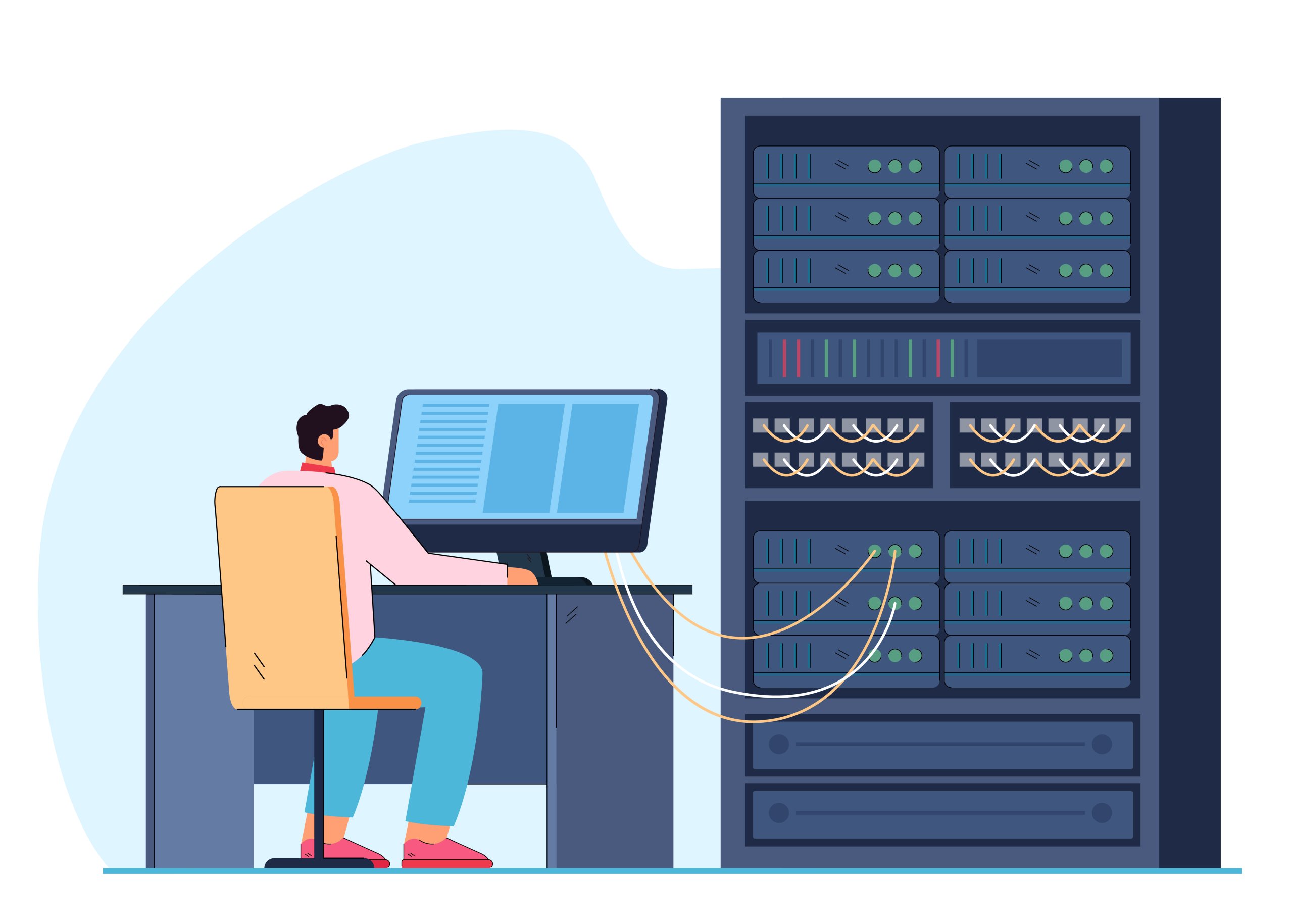
A cloud firewall is the virtual version of that boundary control around cloud resources. Providers use different names — AWS security groups, Google Cloud VPC firewall rules, Azure NSGs — but the reader-facing idea is the same: these are cloud-layer rules around workloads, interfaces, subnets, or networks. In mainstream cloud platforms, these controls are commonly stateful, which is why they feel like a modern virtual firewall rather than just a static checklist.
A WAF, or web application firewall, is narrower still. It filters HTTP and HTTPS requests for websites and APIs. That makes it useful for public web apps, especially when you want rules based on URLs, headers, request patterns, or common web attack behavior. But the boundary is much smaller than many people assume.
⚠️ Warning: A WAF protects web traffic only. It does not protect SSH, databases, mail services, or other non-web traffic, and it does not replace host or network firewall rules.
You will also see terms like managed firewall or next-generation firewall. Those can describe real products and services, but they are not the best starting point for a beginner’s decision. First decide which boundary you need to protect. Then decide whether you want that control delivered as software on a host, a network device, a cloud-native rule set, or a managed service. The table below is the cleaner map.
| Firewall type | Where it sits | What it filters | Best first use | What it does not replace |
|---|---|---|---|---|
| 🔒 Host-based firewall | On the laptop, desktop, or server itself | Traffic to and from that one host | Hardening a personal device, VPS, or dedicated server | Patch management, secure app design, network-level segmentation |
| 🛡️ Network / perimeter firewall | Between networks, often on a router, appliance, or gateway | Traffic entering, leaving, or moving between network segments | Controlling access at a home, office, or datacenter edge | Host-level rules, WAF protection for web apps |
| ☁️ Cloud firewall / security group | Around cloud workloads, interfaces, subnets, or VPCs | Traffic to and from cloud resources | Restricting access to instances, services, and databases in cloud hosting | Host hardening, application security, web-layer filtering |
| 🌐 WAF | In front of a website or API at the HTTP/HTTPS layer | Web requests, paths, headers, methods, and request patterns | Public websites and APIs that need web-specific filtering | SSH protection, database protection, general network firewall duties |
A Simple Mental Model for Choosing the Right Firewall
The easiest way to choose a firewall is to stop asking, “What is the best firewall?” and start asking, “What boundary am I actually protecting?” In practice, most decisions begin with one of four boundaries: a device, a host/server, a subnet or VPC, or a public web application.

Then ask how exposed that boundary is. Is it internet-facing, internal-only, or meant for admin access only? A laptop that moves between networks has a different exposure pattern from a private database. A public website is meant to be reachable from anywhere, but its admin SSH port is not. The more clearly you answer the exposure question, the more obvious the firewall choice becomes.
The third question is operational: who manages that environment?
- If you directly manage the server, a host-based firewall is usually the closest relevant boundary.
- If you are deploying workloads in a cloud network, the cloud firewall layer may be the cleanest first control around those resources.
- And if traffic crosses another meaningful boundary after that — from public internet to app tier, or from app tier to database tier — that is when layering makes sense.
Add another firewall layer because the architecture adds another checkpoint, not because “more products” automatically equals better security.
If you remember only one rule, make it this one: start with the closest relevant boundary, then add layers only when traffic crosses another important boundary. The quick table below turns that into a reusable shortcut.
| If you are protecting… | Start with… | Why |
|---|---|---|
| 💻 One laptop or desktop | Host-based firewall | It is the closest control to the device, especially when that device moves across different networks. |
| 🖥️ One VPS or dedicated server | Host-based firewall | You control the machine directly, so its own traffic rules are the first useful checkpoint. |
| 🌐 A set of workloads inside a subnet or VPC | Cloud firewall / security group | The important boundary is around the workloads and the network paths between them. |
| 🌍 A public website or API | Host/network firewall first, then WAF if needed | The server still needs base access rules, and web apps may also need HTTP/HTTPS-specific filtering. |
| 🏢 An office or business network | Network / perimeter firewall | The first meaningful checkpoint is between internal systems and outside or less-trusted networks. |
Which Firewall Fits Which Use Case

The first table answers where to start. This next one answers a more practical question: when does a second firewall layer actually earn its place? Most setups still begin with one obvious first layer, then add another only when the architecture creates a separate path or tier worth controlling on its own.
| Use case | Recommended first layer | Possible second layer | Why |
|---|---|---|---|
| 💻 Personal laptop or desktop | Host-based firewall | Router or office network firewall | The device moves across networks, so the first checkpoint should stay with the device itself. |
| 🖥️ Single VPS | Host-based firewall | Provider or cloud network firewall | You usually need to narrow SSH and expose only the public services the server is meant to run. |
| 🗄️⚙️ Self-hosted app with app + database | Host-based firewall on both servers | Cloud/network firewall between tiers | The database should usually accept traffic only from the application layer, not from the internet. |
| ☁️🖧 Multi-server cloud deployment | Cloud firewall / security group | Host-based firewall on critical hosts | The first boundary is around workloads and network paths, then sensitive hosts can add tighter local rules. |
| 🌐🔗 Public website or API | Host/network firewall | WAF | Web traffic needs normal port access first, and a WAF only makes sense when the app is actually HTTP/HTTPS-facing. |
| 🏢📡 Office or business network | Network / perimeter firewall | Host-based firewall on endpoints and servers | Edge control helps broadly, while host rules improve containment inside the environment. |
Two patterns matter more than the labels in that table. The first layer is usually the one closest to the asset, while the second layer appears only when traffic crosses into another tier or trust boundary that deserves its own rules.
That is why a new VPS or dedicated server often starts with a host-based firewall even when it lives at a provider (such as AlexHost). The host still needs clear local rules for SSH, web traffic, and anything private. Provider-side or cloud-style controls are useful as an outer layer when they narrow exposure further.
The WAF row depends more on application type than on infrastructure size. It becomes useful when the thing you are protecting is actually a website or API and you need HTTP/HTTPS-specific filtering. Not every setup needs that extra layer. Most environments become safer when the rules are specific, not when the diagram is complicated.
Common Firewall Mistakes

The most common firewall mistake is opening too much “for now” and never coming back. A temporary allow-all rule, a wide-open test port, or an admin service exposed to the whole internet can linger long after the original reason disappeared. Broad temporary access often becomes permanent exposure.
⚠️ Warning: Temporary open rules often become permanent risk. If you need an exception, make it narrow, document why it exists, and remove it when the task is over.
The second mistake is trusting the wrong layer to do every job.
- A router does not eliminate the need for host rules.
- A cloud security group does not make local hardening pointless.
- And a WAF does not protect SSH, databases, or anything else outside web traffic.
Most real firewall failures are not advanced failures. They are ordinary category mistakes.
The third mistake is rule drift. Projects change, ports change, people change, and “just for this migration” changes last longer than anyone admits. Good firewall hygiene means revisiting rules when the setup changes, closing what is no longer needed, and keeping admin access specific by source IP, VPN, or another controlled path whenever possible.
Firewalls Are Boundaries, Not Magic Shields

The same idea connects the three opening examples. The laptop prompt, the VPS SSH rule, and the public website each force the same decision: what really needs to be reachable here, and what does not? Once you see a firewall as a traffic checkpoint instead of a magic security label, the answers get more practical and much less intimidating.
A firewall is not the whole security story. Its value is in disciplined scoping: public services stay public, admin access stays narrow, and internal systems stay internal. The best firewall is the one that fits the exposure you actually need to manage.